
Is your once-powerful Dyson V7 now gasping for breath after just a few minutes of cleaning? You’re not alone. Lithium-ion batteries degrade over time, leading to frustratingly short run times and weak suction. Before you consider an expensive new vacuum, know this: replacing the battery is a straightforward, cost-effective solution that can restore your machine to peak performance. As someone who has personally revived multiple Dyson models, I can confirm that a successful battery swap feels like getting a brand-new cleaner.
Recognizing Signs: When Your Dyson Battery Needs Help
First-hand experience teaches you to spot the warning signs. The most common indicators are reduced suction power and quicker discharge rates. If your vacuum struggles to pick up debris or dies mid-clean, the battery is likely the culprit. Other red flags include the vacuum becoming excessively hot during use or displaying error messages related to power. Physical damage like swelling or cracks is a serious safety concern and requires immediate replacement.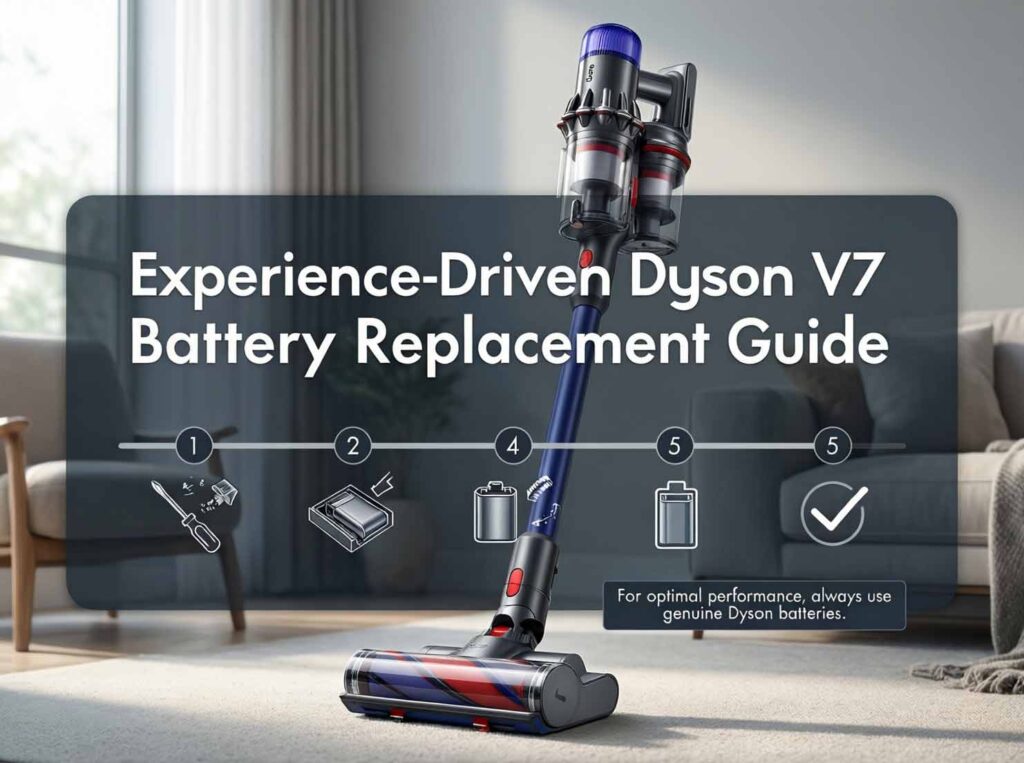
Choosing the Right Replacement: Genuine vs. Third-Party
Here’s where real-world testing and tear-downs are invaluable. While affordable third-party batteries from brands like Evary or AussieBatt are tempting and often offer higher capacities (like 4000mAh 225403 battery for Dyson V7 vacuum), expert analysis reveals potential trade-offs. Independent dismantlings of knockoff batteries show they often use unlabeled, lower-quality cells and have sloppy soldering, which can pose safety risks and lead to a shorter lifespan. Genuine Dyson batteries, though more expensive, use quality cells from suppliers like Battaussie and are built to last. User reviews on sites like Shopper Approved highlight that while some third-party batteries work “perfectly,” others fail quickly, making consistency an issue. For longevity and safety, investing in a genuine battery or a highly reputable aftermarket brand with strong user testimonials is wise.
The Hands-On Dyson V7 Battery Replacement Tutorial: A Simple 5-Step Process
Based on my own replacements, the process is tool-simple and takes about 10 minutes. You’ll need a Phillips screwdriver and your new battery.
- Safety First: Always ensure the vacuum is turned off and unplugged from the charger
- Access the vacuum battery: For the V7, locate the red battery release button on the back of the vacuum’s handle or wand assembly. Press and hold this button while gently pulling the battery pack away from the main body.
- Remove the Old Battery: It should detach smoothly. If your model has screws securing a compartment, use your Phillips screwdriver to remove them first
- Install the New Battery: Align the new battery with the slot, ensuring the connectors match. Slide it in firmly until you hear a click, indicating it’s securely locked in place
- Final Test: Reattach any components, then charge battery fully before its first use to calibrate it
Pro-Tips for Maximizing Your New Battery’s Life
To maximize lifespan, avoid constantly using the high-power “Max” mode for entire cleaning sessions. Store your vacuum at room temperature, away from direct sunlight or extreme cold. Let the battery cool down after heavy use before recharging, and try to let it fully discharge at least once a month.
Share your own battery replacement stories or questions in the comments below! If you found this hands-on guide helpful, please follow for more practical appliance maintenance tips that save you money and reduce waste.