
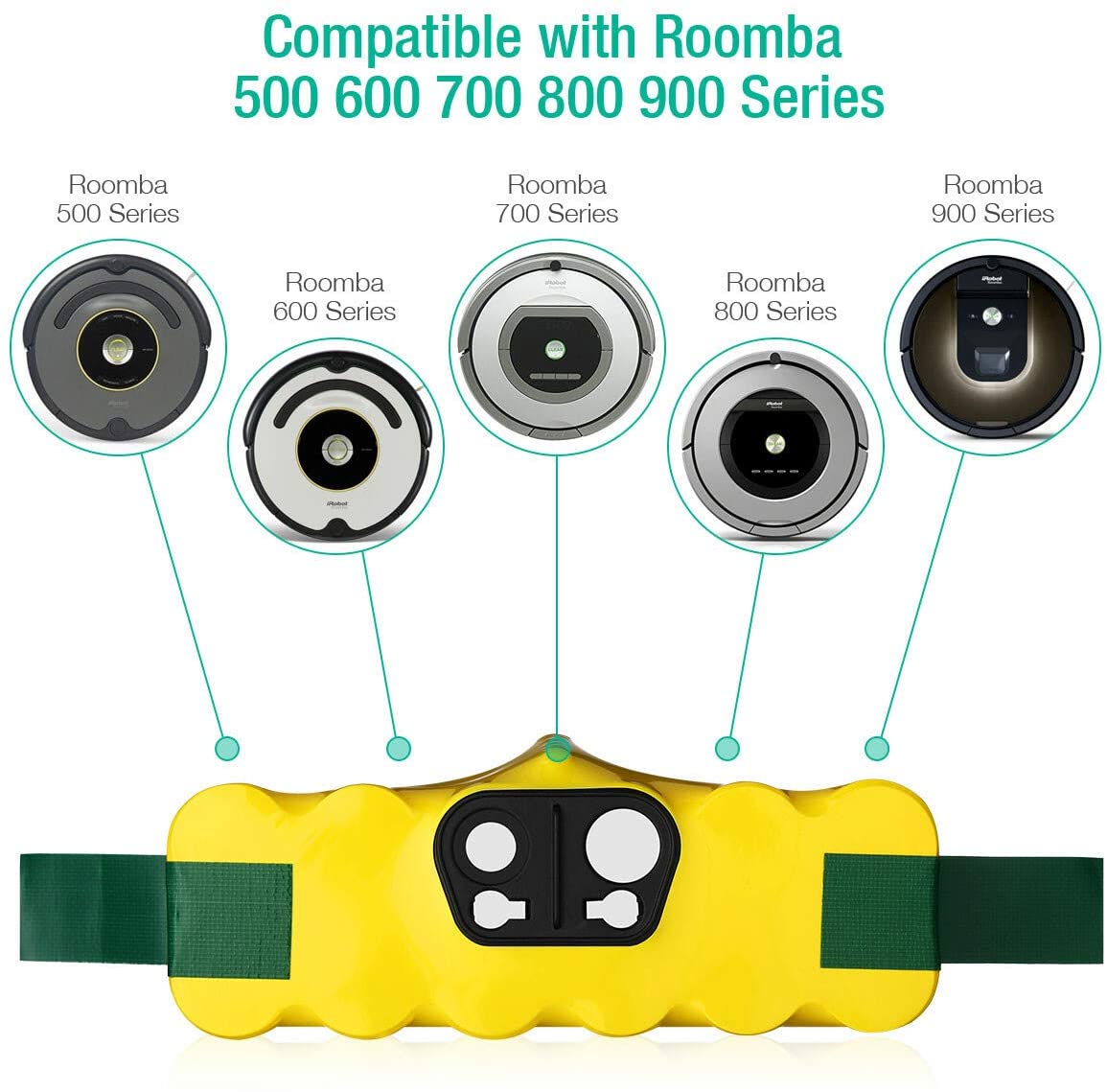
iRobot Roomba 500/537/600/630 Series
Professional Battery Replacement Guideline | 14.4V 3000mAh Ni-MH Upgrade
🔋 Complete Battery Health Assessment
Is your iRobot Roomba losing its cleaning efficiency? Take Battaussie experts comprehensive diagnostic test:
Runtime Issues
- Cleans for less than 45 minutes
- Returns to dock mid-cleaning
- Stops cleaning incomplete areas
- Red “Clean” button blinks rapidly
Charging Problems
- Charges for 4+ hours (should be 3 hours)
- Shows “Charging Error” message
- Battery indicator shows 1-2 bars only
- Heats up excessively during charge
Performance Degradation
- Missing dirt and debris pickup
- Works fine on hard floors, struggles on carpet
- Slow or erratic movement patterns
- Wi-Fi connection issues or error codes
Physical Signs
- Battery pack appears swollen or damaged
- Corrosion on battery terminals
- Unusual odors during charging
- Age 2+ years (typical battery life)
💡 Professional Assessment: If you checked 3+ symptoms across categories, your Roomba 500 battery requires immediate replacement for optimal performance.
Complete Model Compatibility Matrix
iRobot Roomba 500 Series
The original game-changing series
| Original Capacity: | 3000mAh |
| Replacement Capacity: | 3000mAh (Premium) |
| Runtime Expected: | 90-120 minutes |
| Charge Time: | 3 hours |
| Installation: | Drop-in replacement |
| Original Capacity: | 3000mAh |
| Replacement Capacity: | 3000mAh (Enhanced) |
| Runtime Expected: | 100-130 minutes |
| Charge Time: | 3 hours |
| Installation: | Plug-and-play |
iRobot Roomba 600 Series
Smart navigation with dirt detect
| Original Capacity: | 3000mAh |
| Replacement Capacity: | 3000mAh (Smart) |
| Runtime Expected: | 110-140 minutes |
| Charge Time: | 3 hours |
| Installation: | No modifications |
iRobot Roomba 630
Latest features in 500 series body
| Original Capacity: | 3000mAh |
| Replacement Capacity: | 3000mAh (Latest) |
| Runtime Expected: | 120-150 minutes |
| Charge Time: | 3 hours |
| Installation: | Direct replacement |
🛠️ Professional iRobot Battery Installation Process
1. Safety Preparation – Power down Roomba and place on stable surface. Remove from charging dock.
2. Access Battery – Remove dirt container and press red battery release button. Battery slides out easily.
4. Install New Battery – Insert new battery ensuring proper alignment. Push until battery release clicks.
⏱️ Total Installation Time: 5-7 Minutes
No tools required • No technical expertise needed • Works with all firmware versions